



Description:
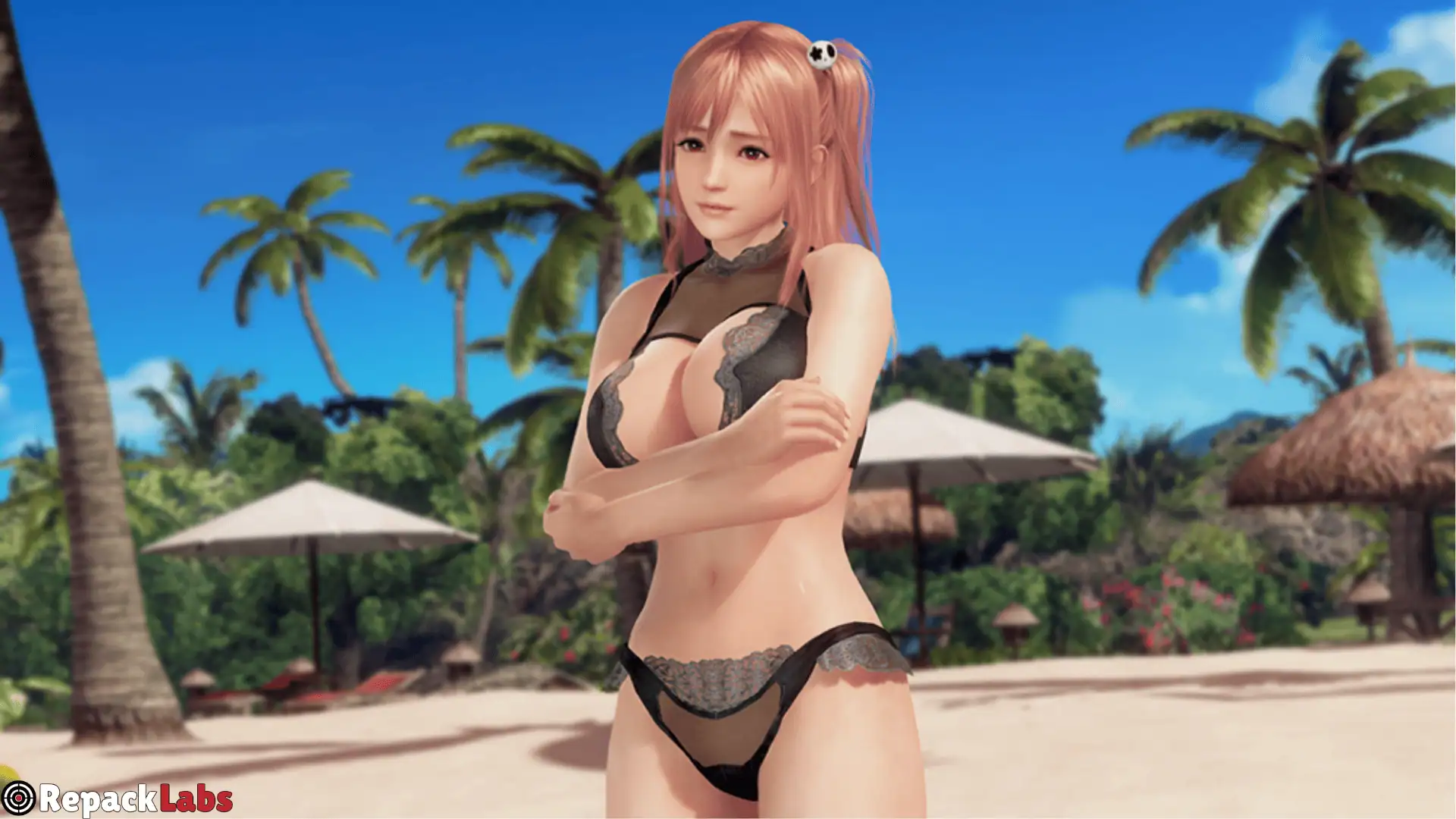
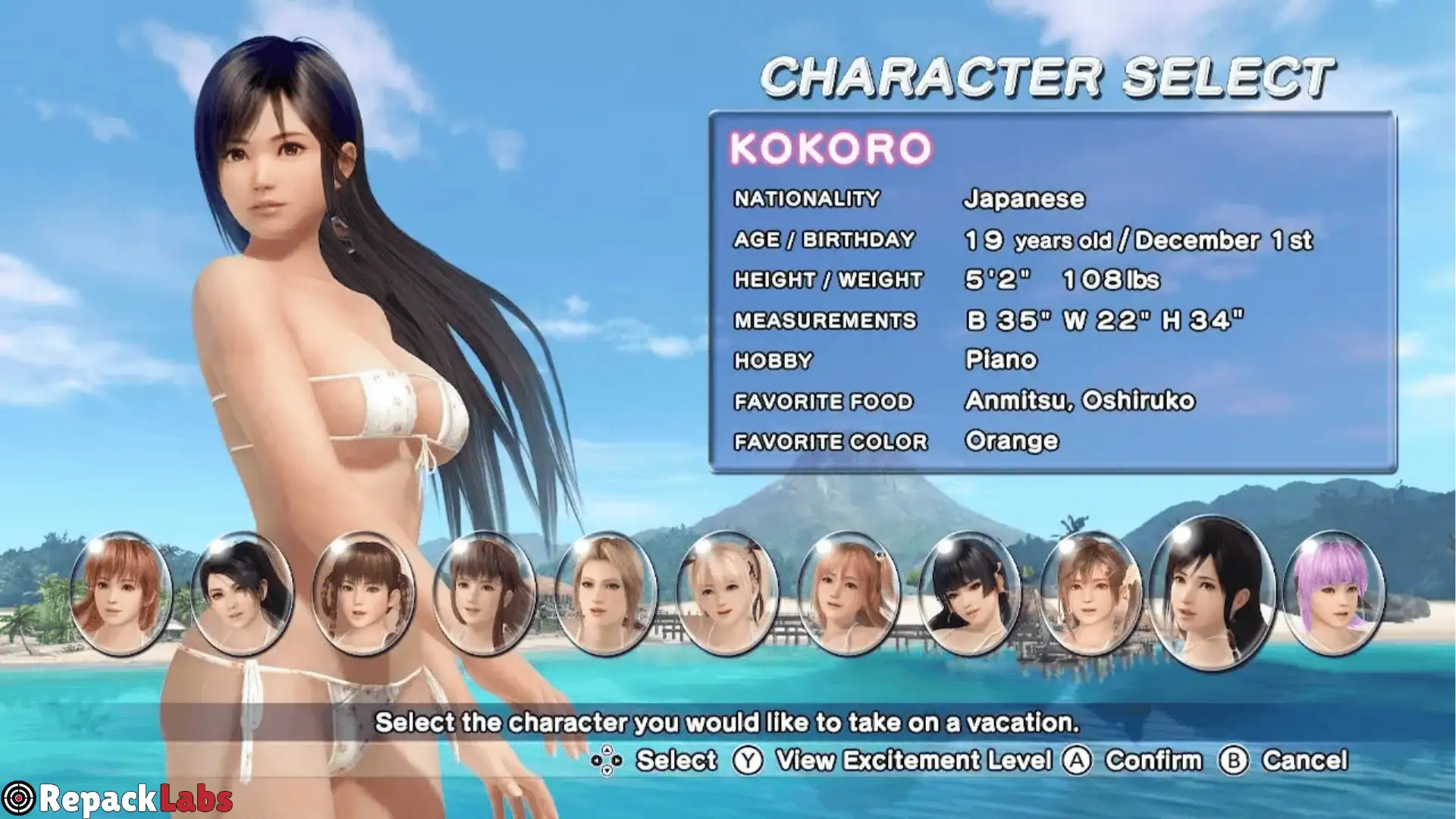
Dead Or Alive Xtreme 3 Scarlet Switch NSP ROM is a Sports Game game for Nintendo Switch that offers an exciting experience for players who enjoy this genre. On this page, you’ll find key information, technical details, and helpful notes to get the best possible experience from the game.
This Nintendo Switch release is available in NSP/XCI format and is compatible with CFW consoles (Atmosphere), Windows/Mac emulators (Yuzu, Ryujinx), and Android emulators (Egg NS, Skyline). Approximate file size: 10GB. Check the ROM information table below for Title ID, region, languages, required firmware, and other important details.
Features:
Island Activities:
Play various sports like Beach Volleyball, Beach Flags (flag racing), Butt Battles, Tug-of-War, and Rock Climbing.
Casino & Relaxation:
Spend your earnings at the Zack Island Casino playing Poker, Blackjack, and Roulette, or enjoy relaxing in pool hopping and dating events.
Owner Mode:
Instead of controlling just a single girl, you play as the island manager to make the girls happy, gift them items, and level up your Owner Level to earn Zack Money.
Photo Mode:
Dead Or Alive Xtreme 3 Scarlet Switch NSP ROM you complete camera control to capture your favorite moments and outfits. These are automatically saved to your system’s library.